Zero Server Storage
Process files in your browser. Keep control of what you save.
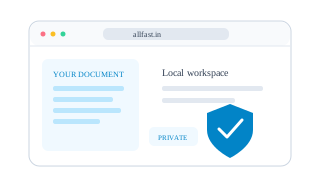
Direct Browser Execution
Local tools read your inputs and work with them in browser memory. Calculations, text edits and supported file operations do not need a remote processing step.
No Payload Uploads
Local processing tools do not send your files or form inputs to AllFast for processing or storage. Loading the website is separate from uploading the contents of your work.
Control Your Saved Data
Closing a tab ends its active work. Downloads, saved drafts and optional local settings can remain on your device, so closing the tab is not a secure-erasure command.
Key Security Guarantees
- Local processing keeps task contents on your device; these feature pages add no tracking cookies.
- Use the tool’s clear or reset controls and review any local-save option before working on a shared device.
- Keep downloads where you choose. Browser code cannot verify hosting access logs or guarantee immediate physical erasure of RAM.